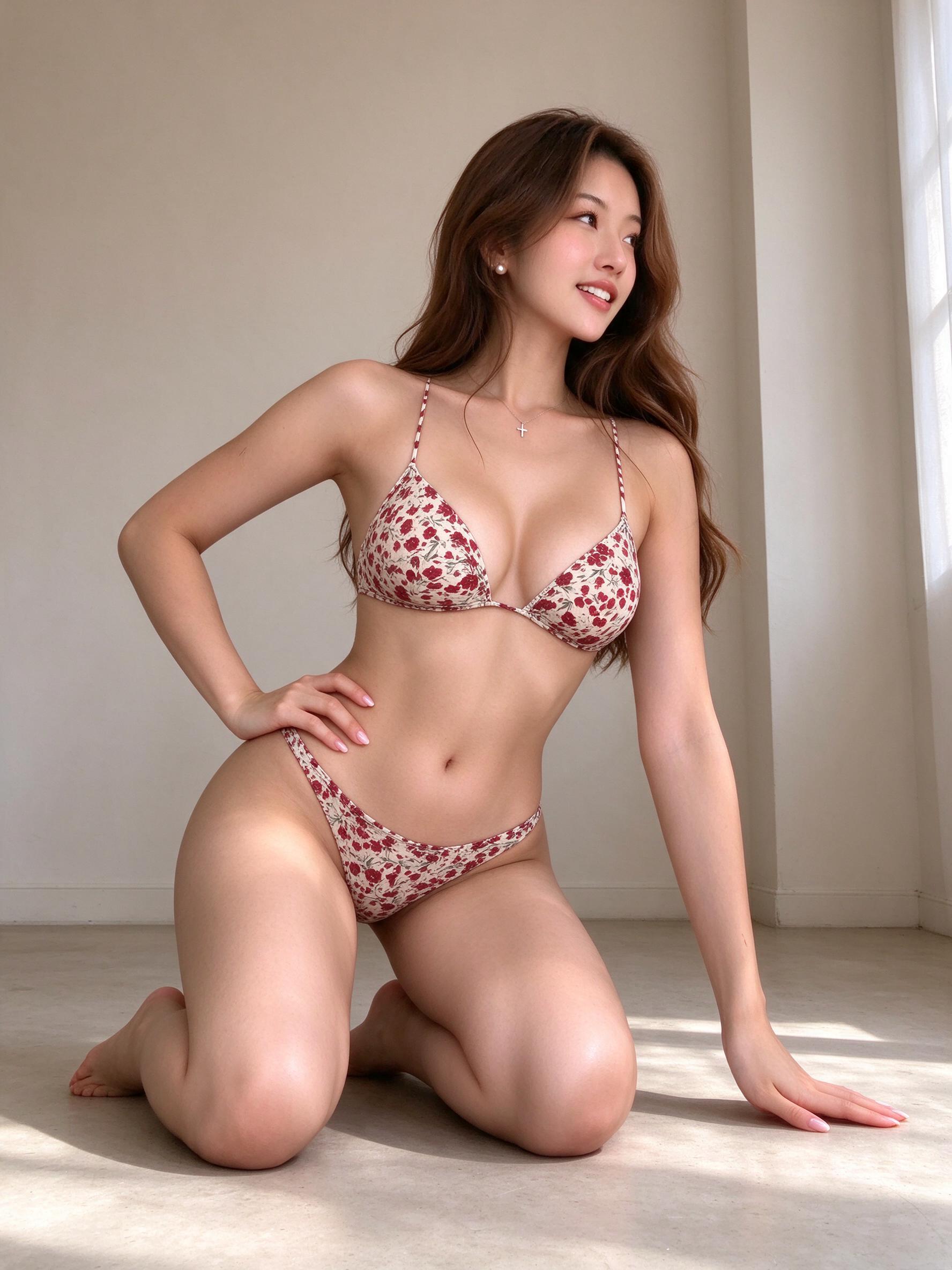
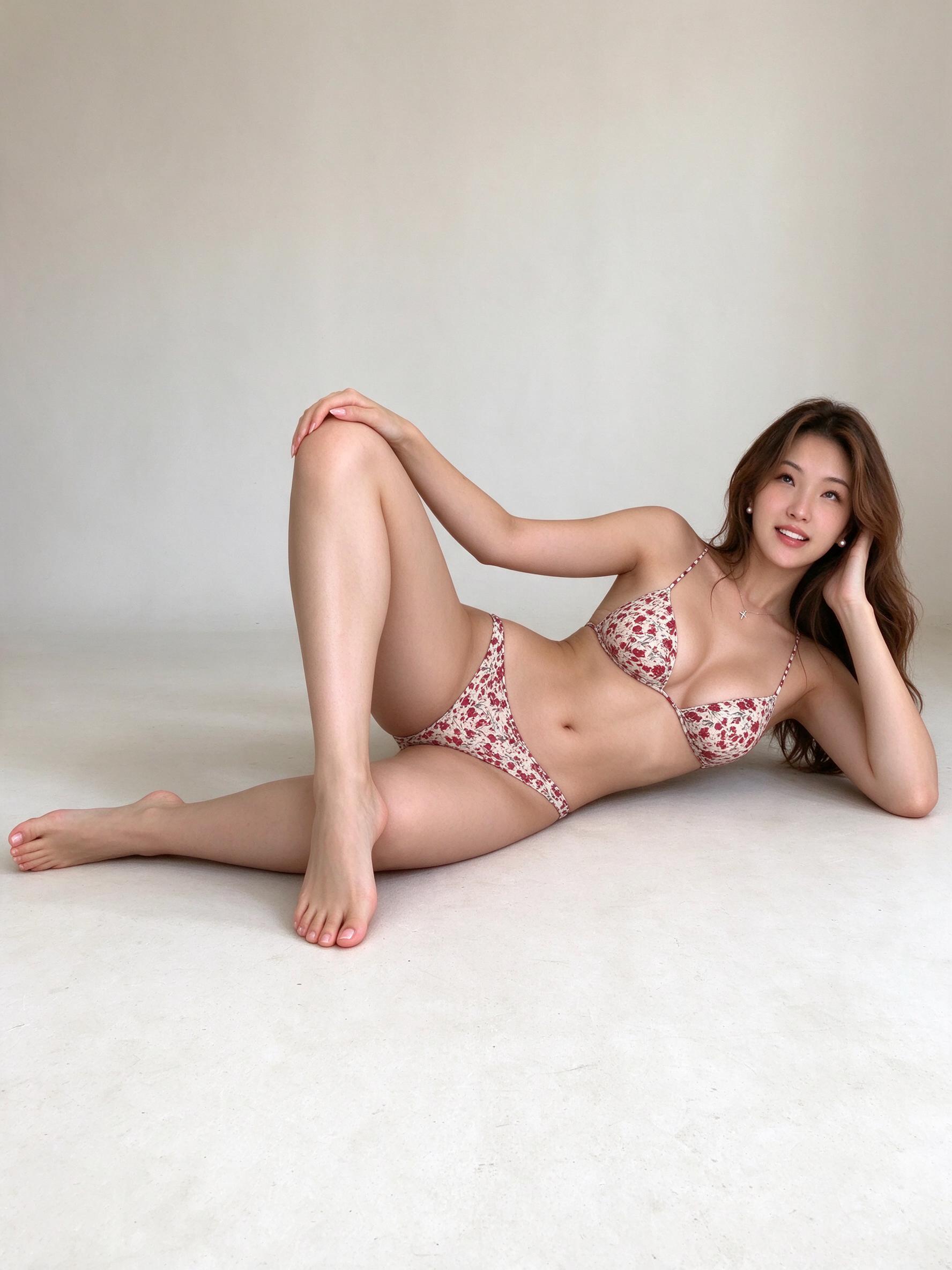
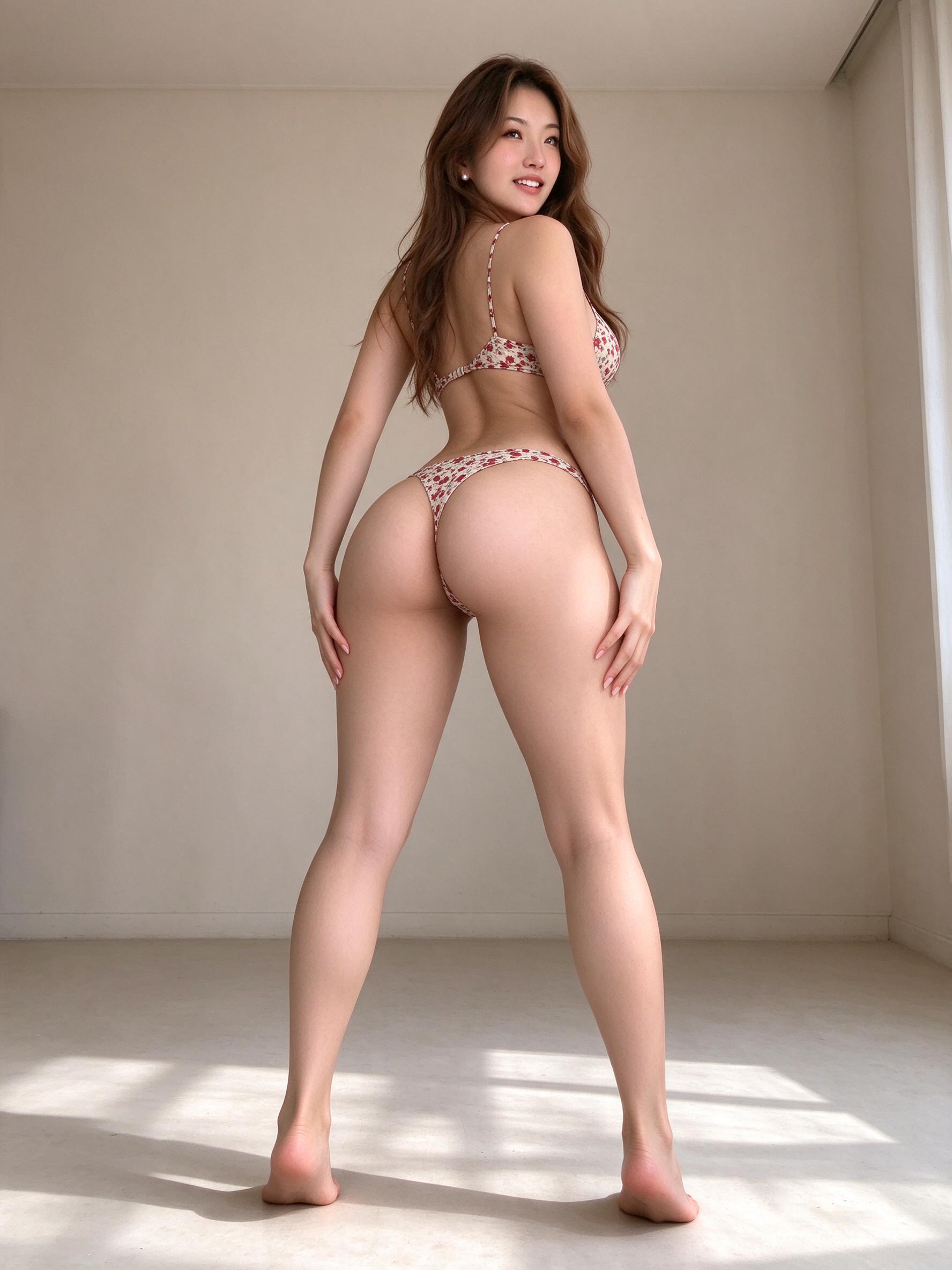
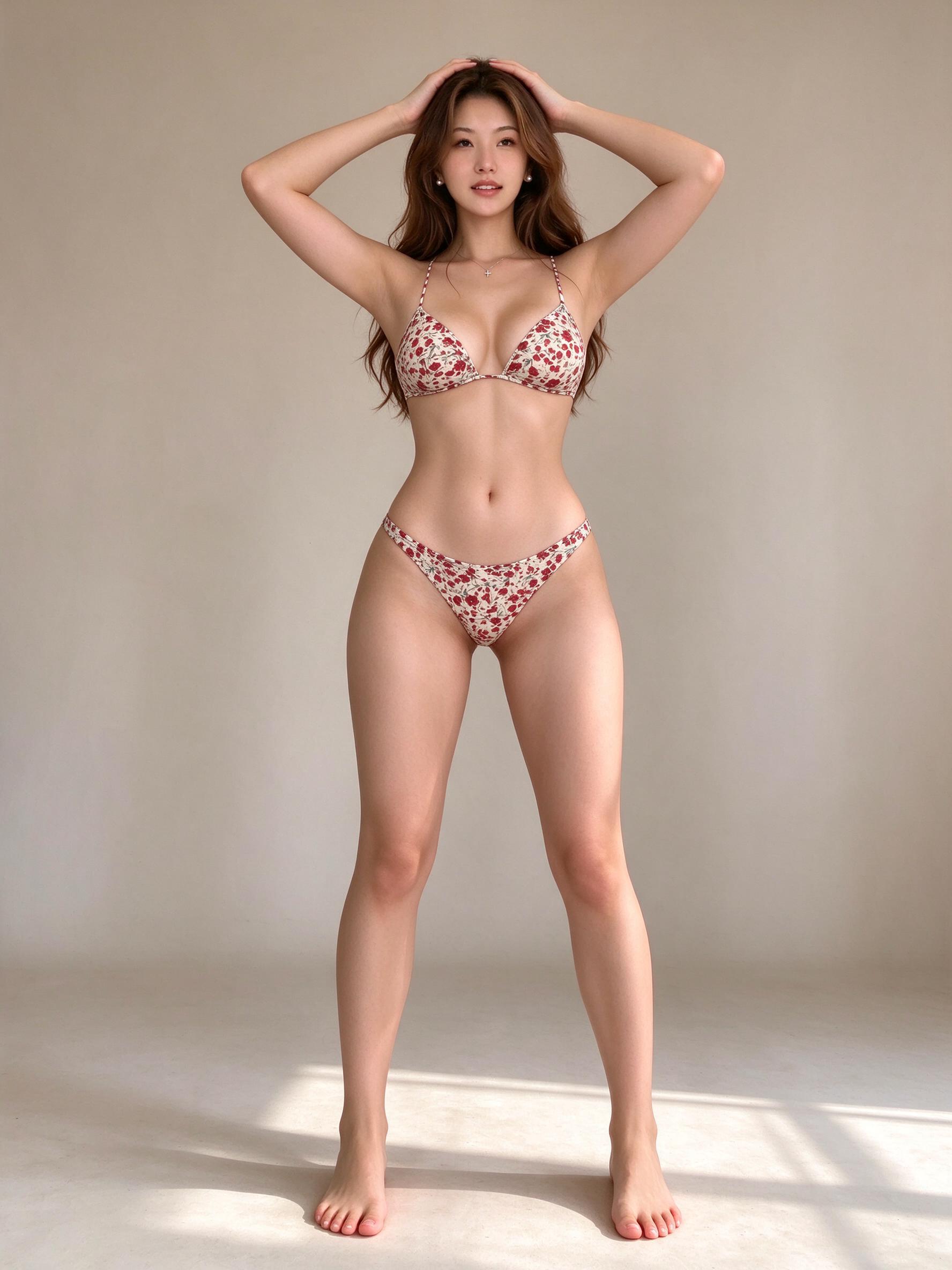
 Makeidol/Apps
An App by Makeidol
AI Lingerie Try-On
Pick a lingerie set from the library. Your character wears it, in one full-body photo.
Example by Makeidol
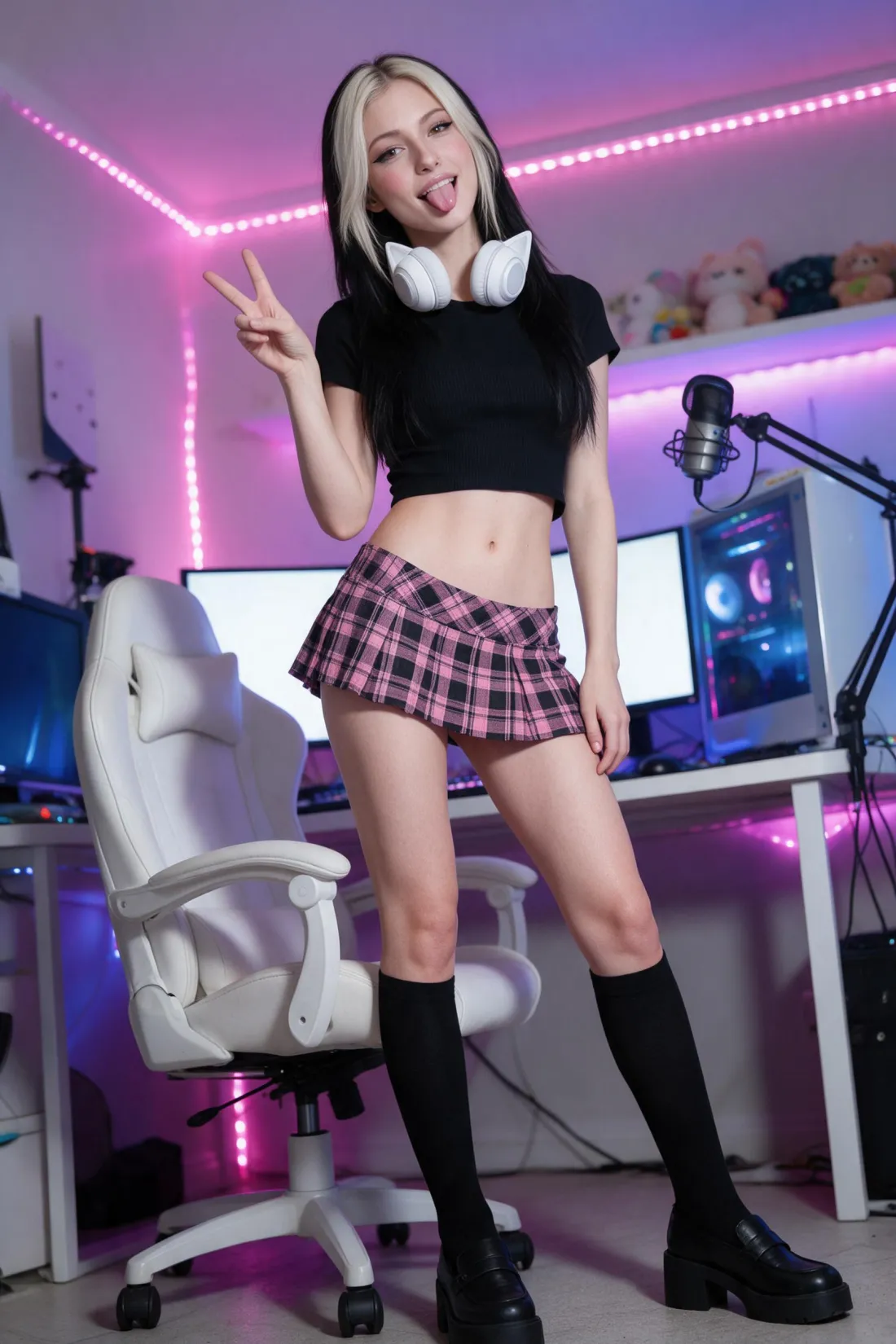
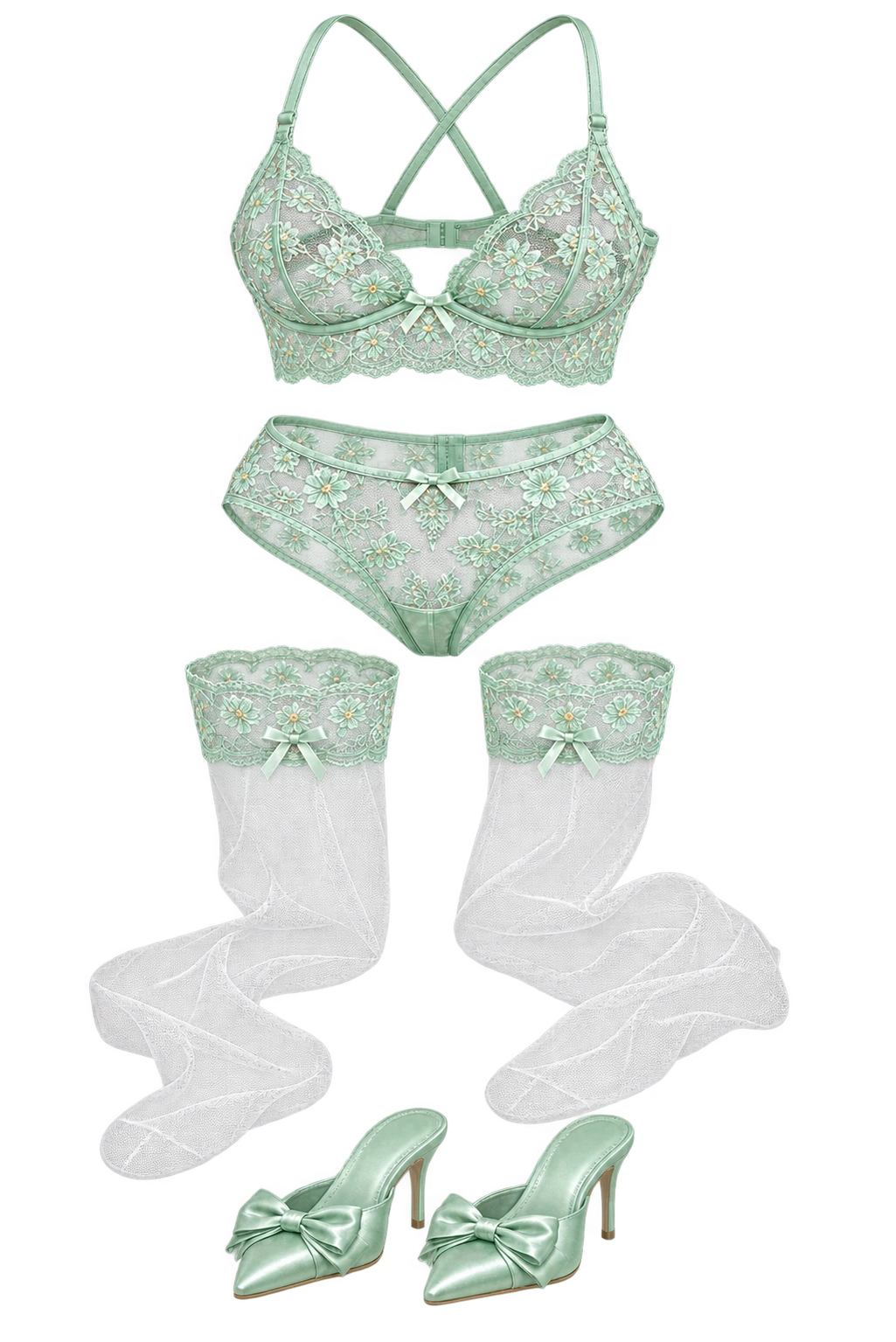
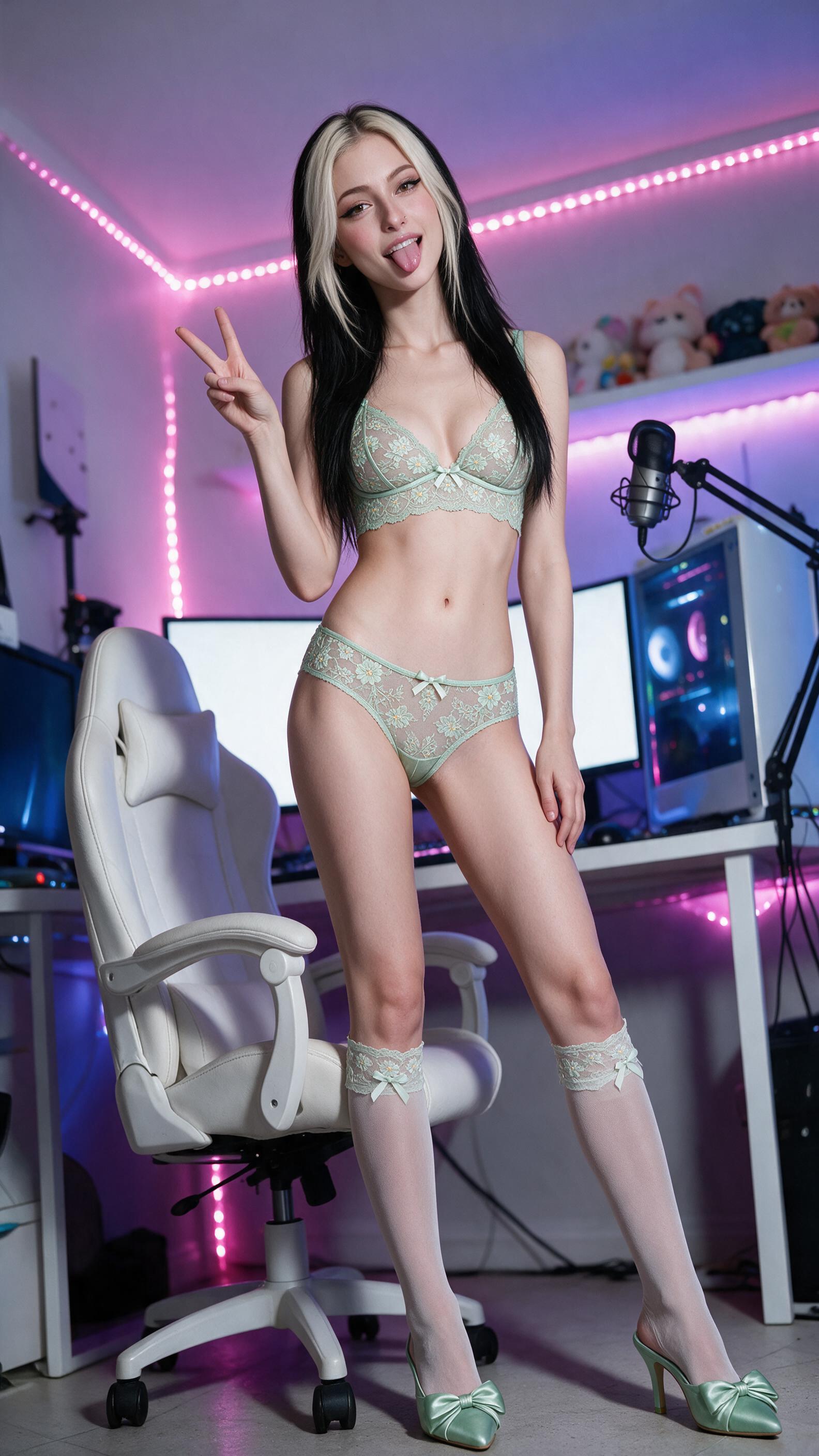
Choose your inputs to create with AI Lingerie Try-On.
About AI Lingerie Try-On
Choose a lingerie set and your character. AI puts the set on her and gives you one full-body photo, keeping the pose and expression from the set's picture.
Her face, hair, skin tone and body proportions stay the same, so you can try many sets on one character.
How it works
- 1
Bring your character and the lingerie
She tries it on. Pick a set from Outfits, or upload a photo of one.
- 2
AI makes it
Seedream 5.0 Pro makes the picture. About a minute; you can close the page.
- 3
Download your image
One picture, vertical, 1584×2816. Yours to post.
Questions
What do I need to bring?
Your character and a lingerie set. Pick one from Outfits, or upload a photo of a set.
Why don't I see lingerie sets in Outfits?
Lingerie sets show up only after you confirm you are 18 or older. Turn on After dark in Explore.
Does she keep her face and body?
Yes. Her face, hair, skin tone and body proportions are kept. The set's picture gives the pose and expression.
How many photos do I get?
One photo per set.
More apps for your character
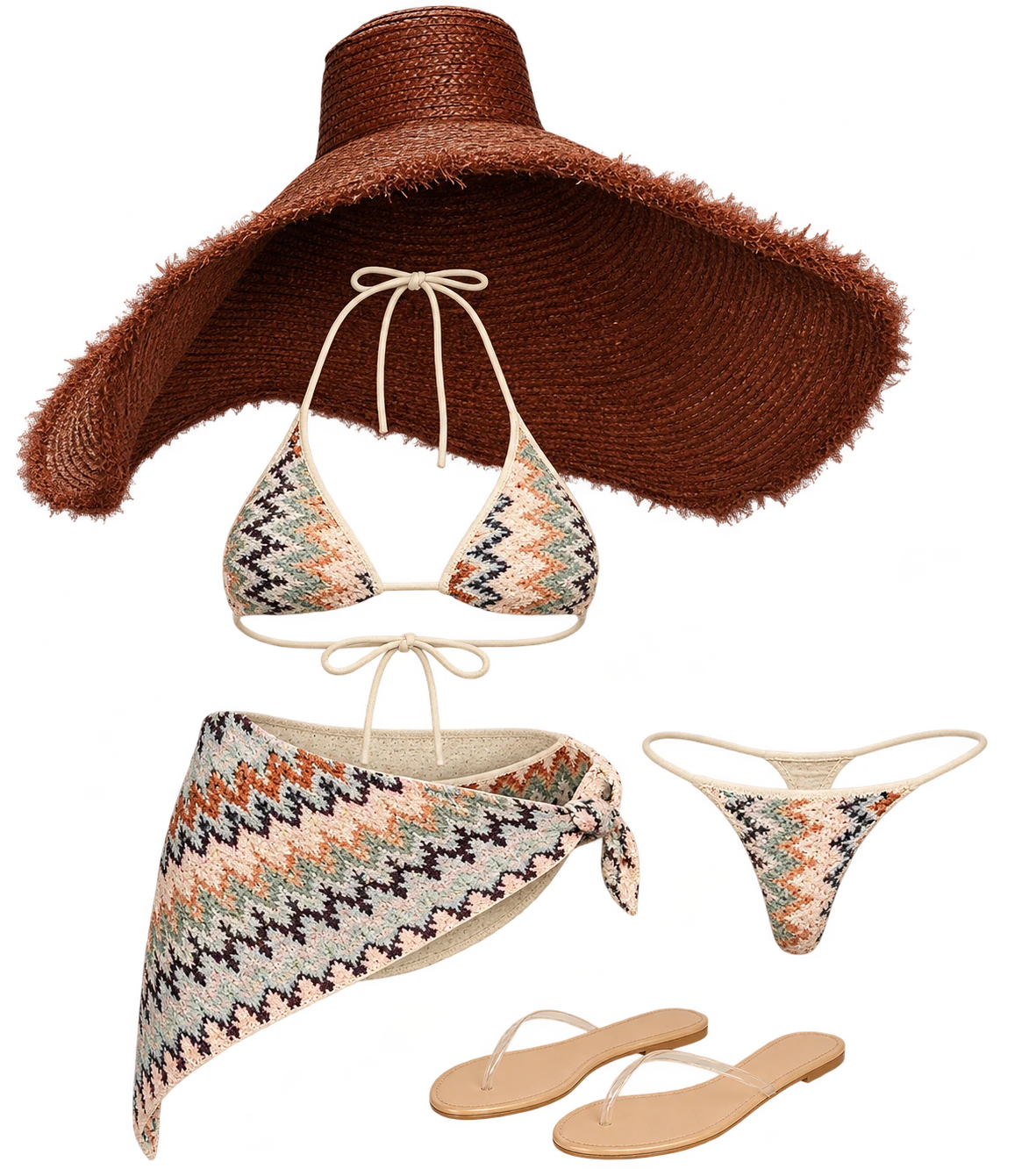 The bikini
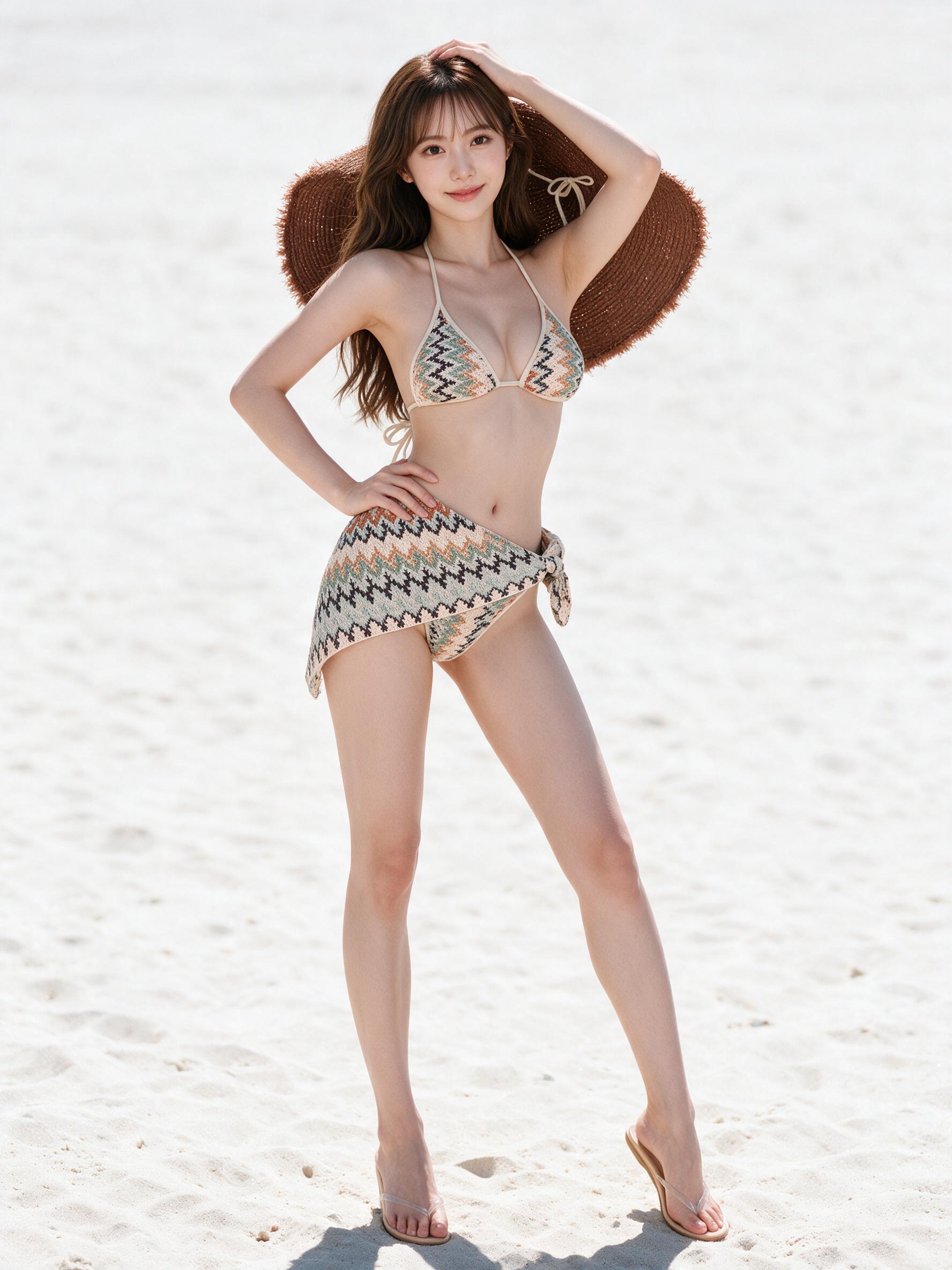 Result
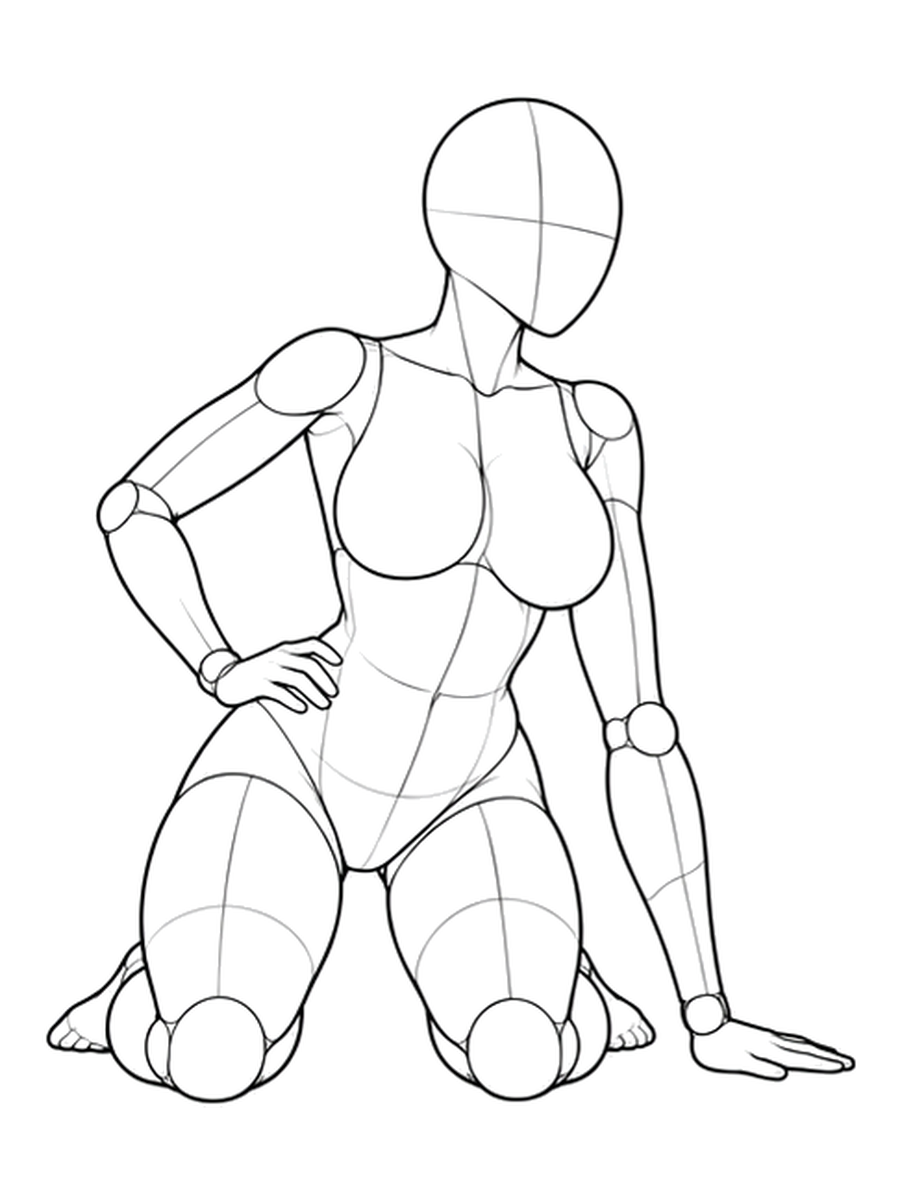 The pose