AI Model Photoshoot — one persona, every scene

Run a full photoshoot of the same AI model — studio, street, beach, product-in-hand — without a camera, a location, or a reshoot. The face stays the same across every shot.

100 free credits · no credit card · cancel anytime

Why this tool

Why people pick AI Model Photoshoot

One model, many looks

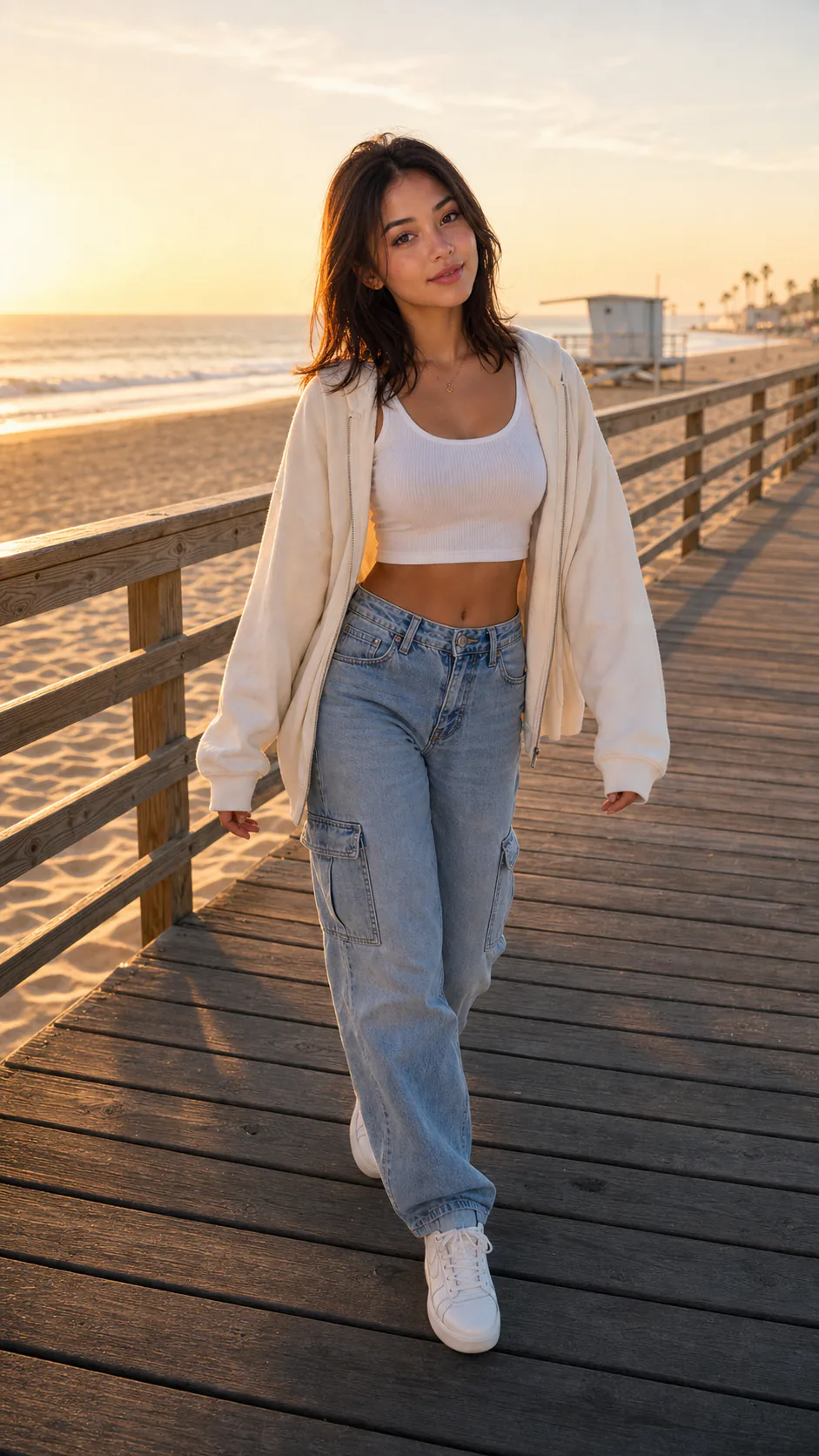
Studio portraits, street style, on-location scenes, product shots — all featuring the same face, generated from a single saved character.

Consistent across the whole set

Because the shoot is driven by a locked character, every frame reads as the same model instead of a gallery of lookalikes.

No booking, no reshoots

Change the outfit, the backdrop, or the concept and regenerate. A new scene is a click, not a new shoot day.

How it works

How AI Model Photoshoot works

  1. 01

    Pick your model

    Choose a saved character or generate a new face — this is the model the whole shoot will feature.

  2. 02

    Set the scene

    Describe the look: studio, street, beach, product-in-hand, seasonal campaign. Each scene becomes a batch of shots.

  3. 03

    Generate the set

    makeidol renders the shots with the same model throughout, so the collection hangs together as one shoot.

  4. 04

    Export and use

    Download social-ready stills for the grid, thumbnails, ads, or a lookbook.

Examples

AI Model Photoshoot in action

Real characters made on makeidol.

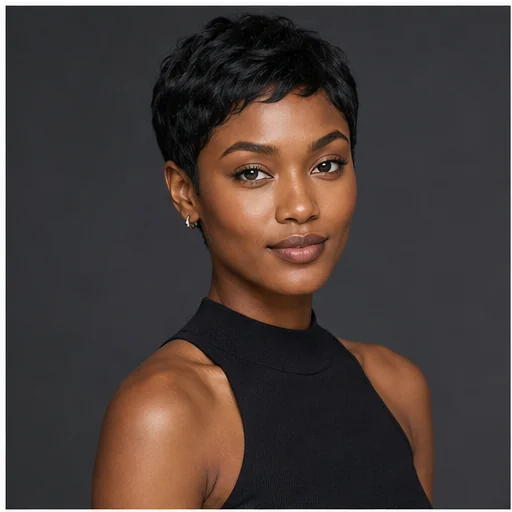
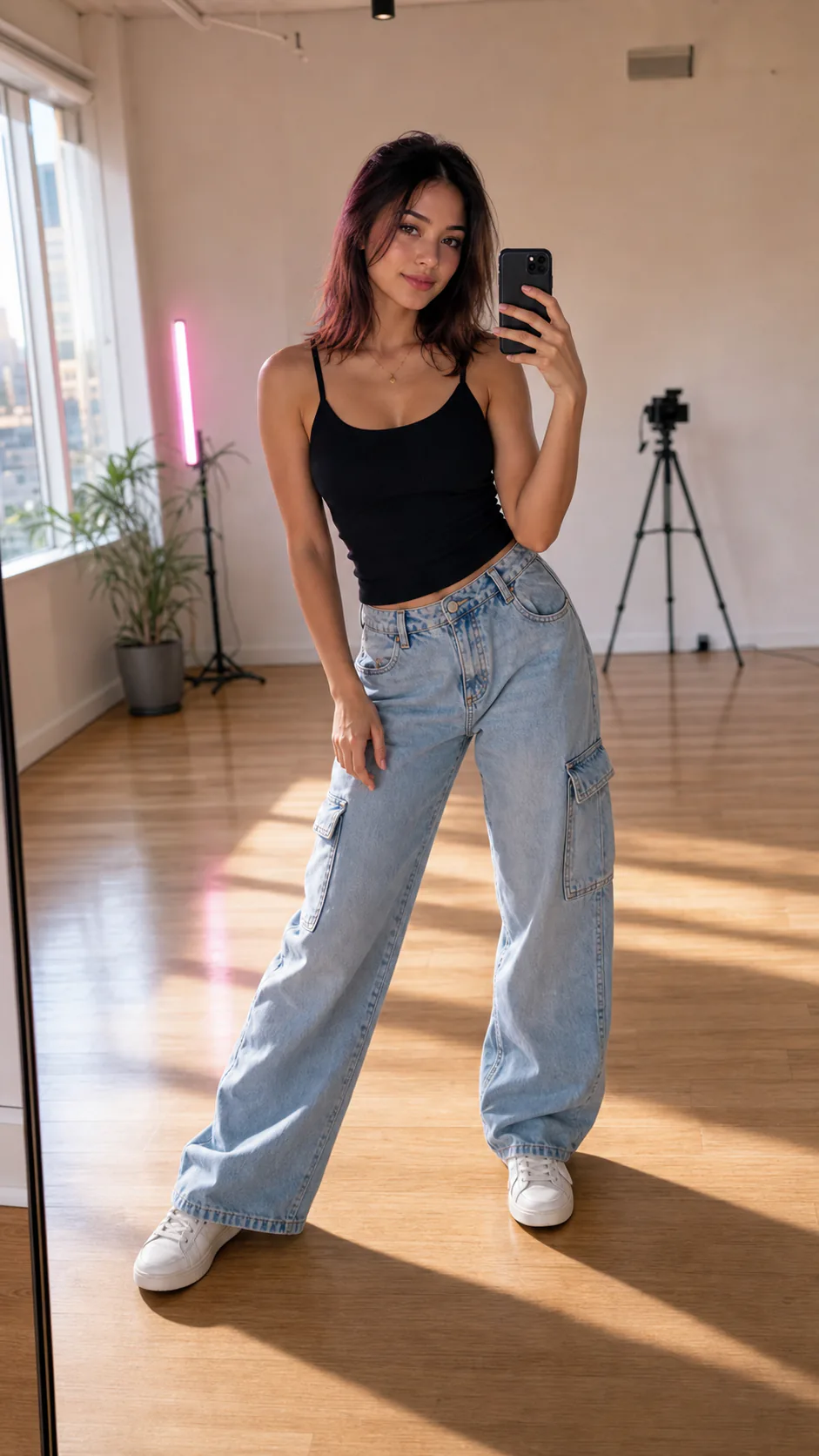
Studio full-length, seamless backdrop
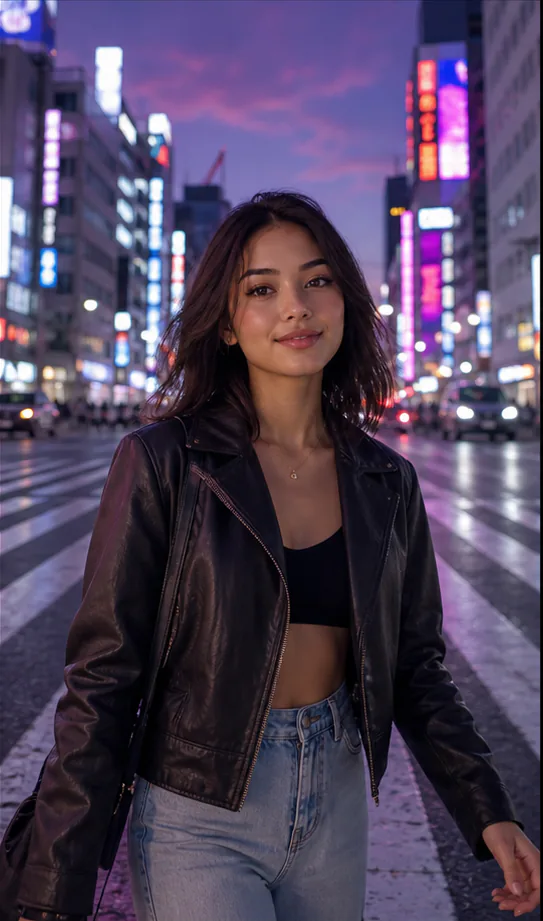
Night street opener, city lights
Beach day, natural sunlight
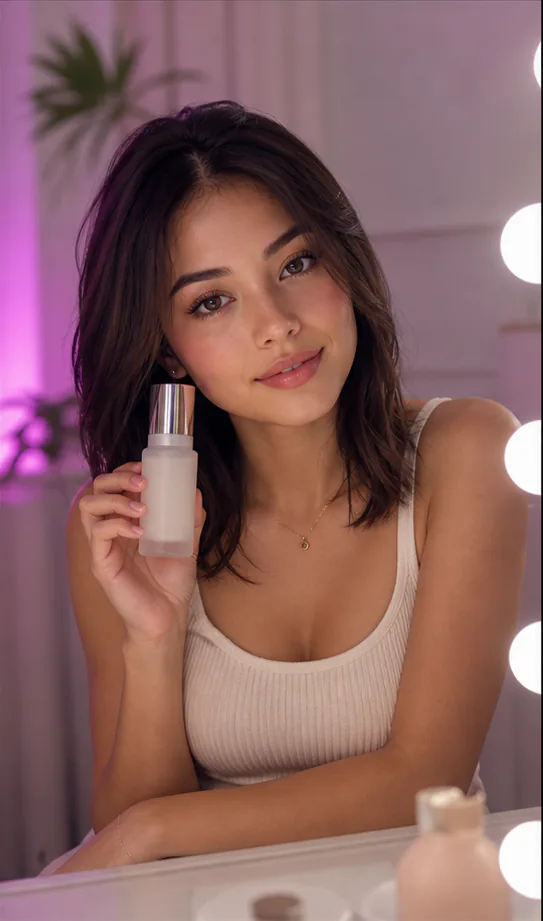
Handheld product read, UGC angle
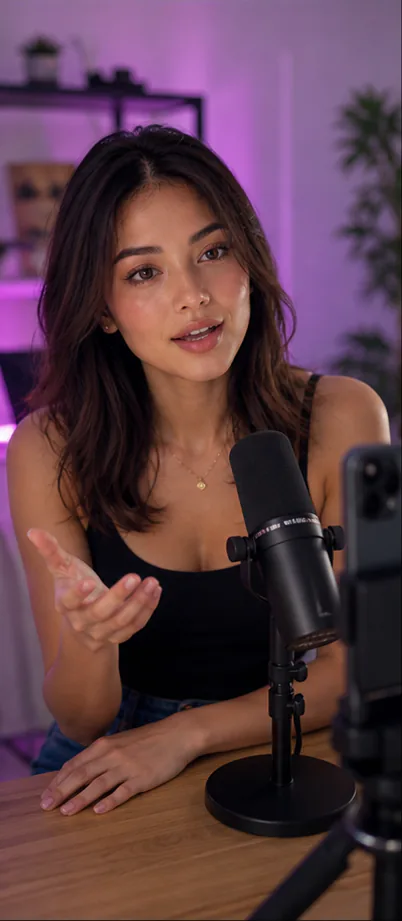
Direct-to-camera talking beat

What it's for

What AI Model Photoshoot is for

Content stills for a creator account

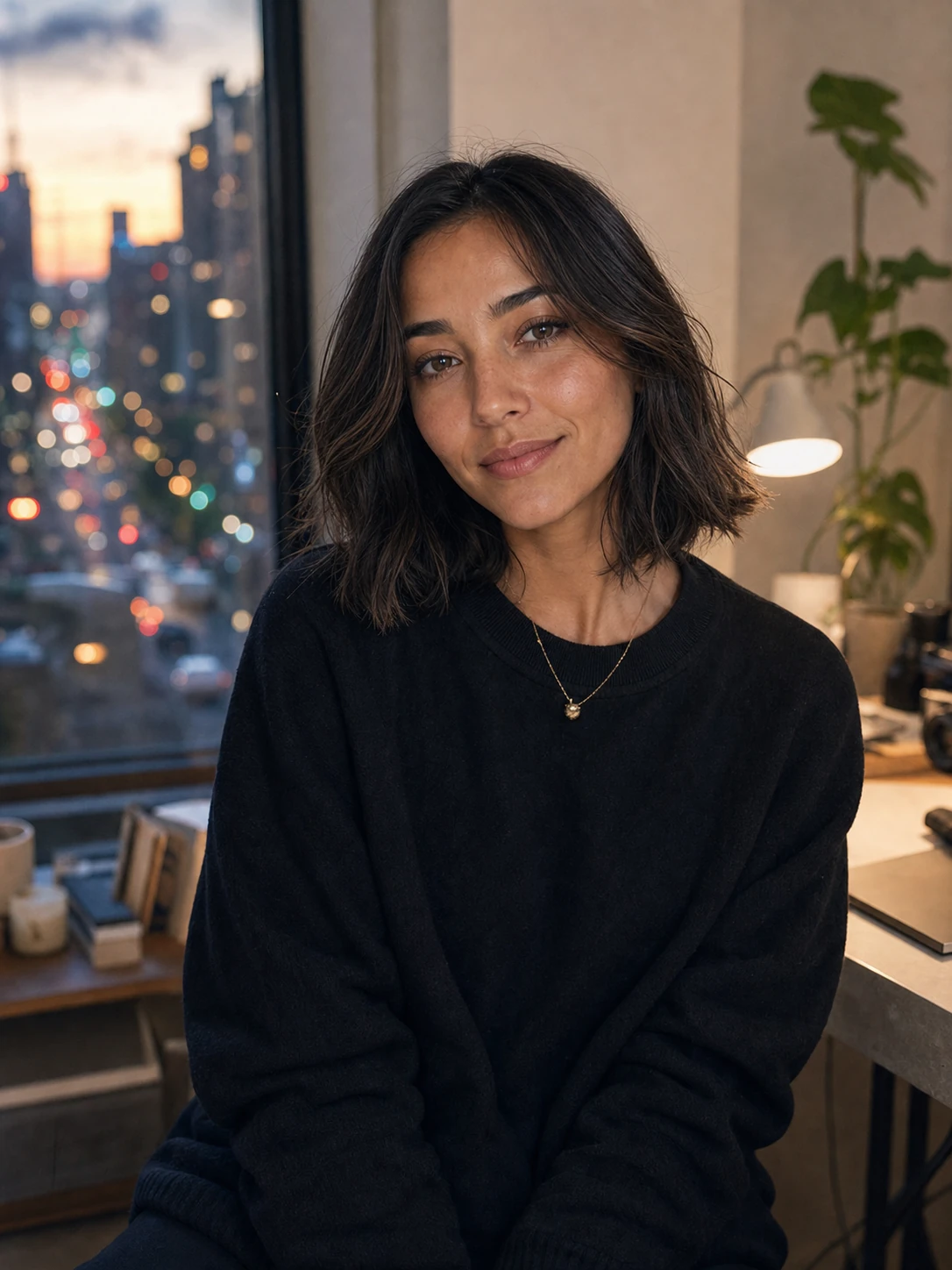
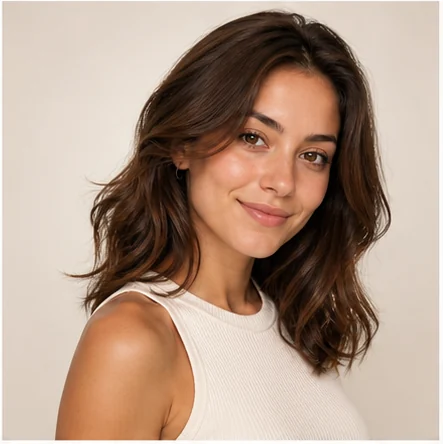
Feed a posting schedule with a steady stream of on-brand photos of your persona. One shoot session yields grid posts, story frames, and thumbnails — all of the same recognisable model, so the account reads as a real person.
Product and lifestyle shots for a brand

Put a consistent brand ambassador in product-in-hand and lifestyle scenes without booking talent or a studio. When the product or season changes, regenerate the set instead of scheduling a reshoot.

Lookbooks and campaign concepts

Prototype a full campaign — same model across studio, outdoor, and editorial setups — to pitch a concept before committing budget to a real production.

FAQ

Common questions

Will every photo really look like the same model?+
Yes — the shoot is generated from one saved character, so the face stays consistent across studio, street, beach, and product shots instead of drifting into different people.
Can I use my own photo as the model?+
You can build the character from a reference so the shoot features that face, then generate as many scenes as you like from it.
What can I do with the images?+
Use them as social content, thumbnails, ad creative, or a lookbook. They export in standard social-ready formats.
How is this different from a normal AI photo generator?+
A normal generator gives you a different person each prompt. Here the whole set features one locked model, so it works as an actual photoshoot rather than unrelated images.

Make yours

Spin up AI Model Photoshoot and get a face-consistent character you can post with — free to start, cancel anytime.

Open AI Model Photoshoot