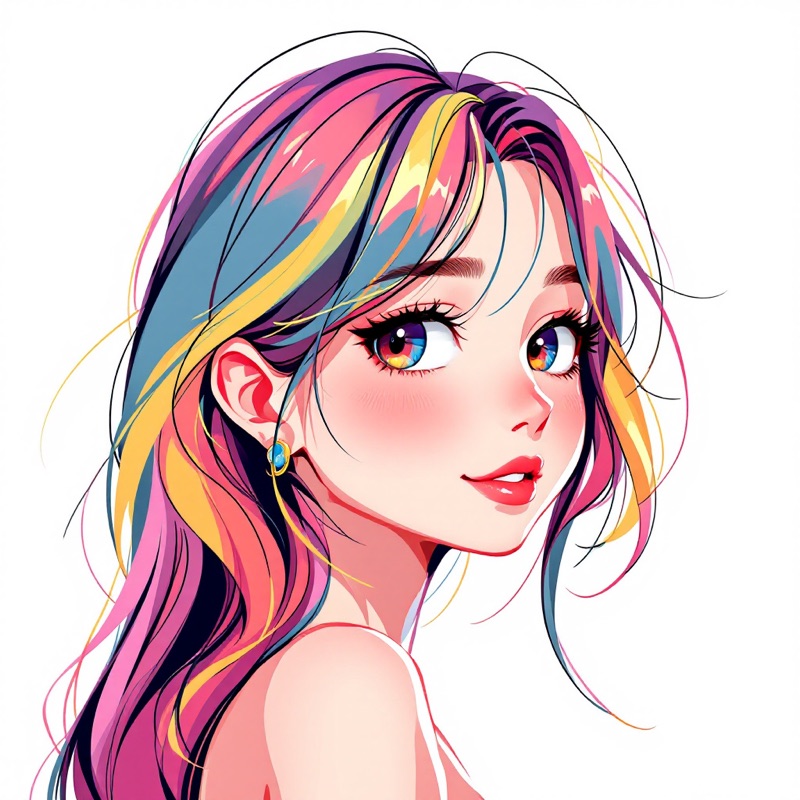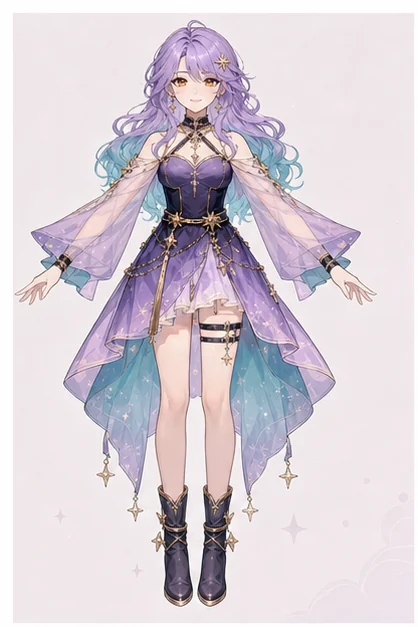
A profile avatar across every app
Use one consistent avatar for your socials, gaming profiles, and personal site. Because the face is locked, your avatar looks like the same character everywhere instead of a different render each time.

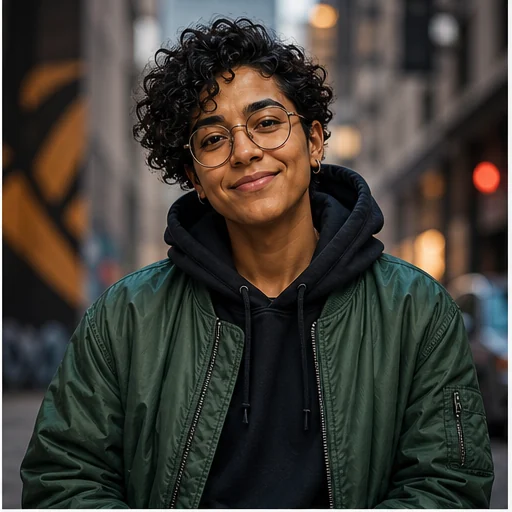
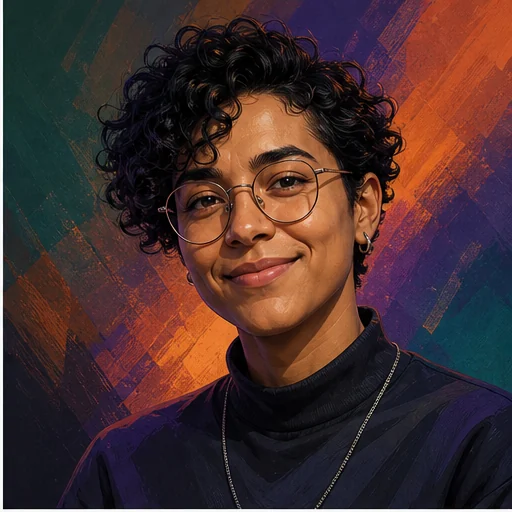
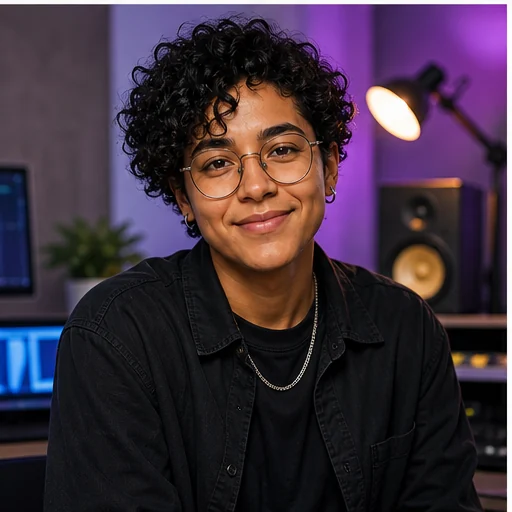
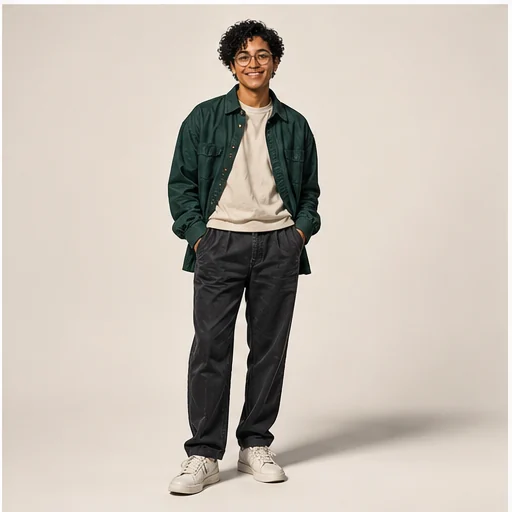
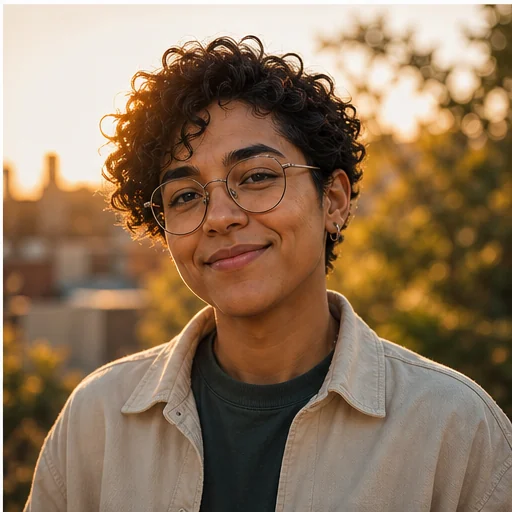
Make a personal avatar and keep the same face across every look. Not a one-time picture — a reusable avatar you can restyle, dress up, and turn into videos.
100 free credits · no credit card · cancel anytime
Why this tool
Your avatar is a saved face reference, so every new look — new outfit, new scene — comes back as the same avatar, not a different person.
Build the avatar from a few selfies so it looks like you, or design one from scratch with a description.
Turn the avatar into talking-head clips and short videos — not just a static profile picture.
How it works
Upload a few selfies to base the avatar on your face, or describe the avatar you want from scratch.
makeidol saves the face so every future render keeps the same recognisable avatar.
Change outfits, backdrops, and styles — the avatar stays the same person underneath.
Generate talking clips and short videos of your avatar for profiles, intros, and posts.
Examples
Real characters made on makeidol.
What it's for
Use one consistent avatar for your socials, gaming profiles, and personal site. Because the face is locked, your avatar looks like the same character everywhere instead of a different render each time.
Front a channel or intro videos with your avatar instead of filming yourself. Same face, same vibe, every clip — no camera required.
Turn yourself into an anime, cartoon, or stylised avatar and keep it consistent, so it becomes a recognisable personal brand mark.
FAQ
Spin up Avatar Creator and get a face-consistent character you can post with — free to start, cancel anytime.
Open Avatar Creator →